
Standalone driver heart-rate telemetry for motorsport — from Apple Watch or a standard Bluetooth heart-rate sensor directly onto the vehicle CAN bus.
CANPulse gives a dashboard, ECU or data logger one stable CAN channel for live driver heart rate, regardless of which supported driver or sensor is selected. It is designed for race engineers, driver coaches and teams that want physiological context alongside vehicle data without a cloud service or phone relay.
Development preview: production hardware and final vehicle validation are still in progress. Register your interest for launch availability.
Launch pricing
Recommended retail price: £199 including VAT.
Introductory launch price: £149 including VAT.
Founder offer: £99 including VAT for the first 10 production units. Founder customers will be asked for practical installation feedback and, where possible, permission to share an installation photo or testimonial.
Delivery is charged separately. A compatible Apple Watch or Bluetooth heart-rate sensor is not included and may be purchased separately.
What CANPulse does
- Receives live heart-rate information over Bluetooth Low Energy.
- Normalises supported sources into one dependable internal state.
- Publishes an eight-byte CAN frame containing BPM, validity, connection, stale state, optional sensor battery, signal strength, sequence and protocol version.
- Lets the vehicle dashboard or logger record driver effort beside RPM, speed, temperatures, braking and lap data.
Supported heart-rate sources
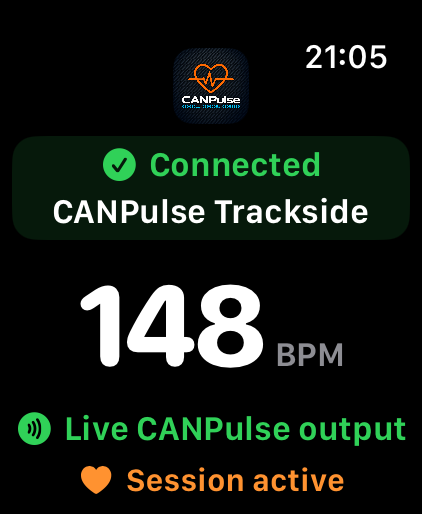
- Apple Watch: the native CANPulse watch app sends directly to the in-car CANPulse unit. The iPhone is used for setup and does not need to relay telemetry while driving.
- Standard BLE Heart Rate Service sensors: compatible chest straps, arm bands, watches and generic sensors exposing services 0x180D/0x2A37.
- Bench simulation: a deliberately disabled-by-default deterministic source for installation testing.
Individual sensor compatibility should be checked before an event. Some watches do not expose the standard Bluetooth Heart Rate Service.
Designed for multi-driver cars
- Create named driver profiles with ordered preferred devices.
- Select a driver explicitly or use cautious automatic selection when only one known driver is present.
- Lock to the active source while fresh heart-rate data is flowing.
- Keep global CAN settings separate from driver and sensor profiles.
- Never put the driver name or sensor identity into the primary heart-rate CAN frame.
Configurable CAN output
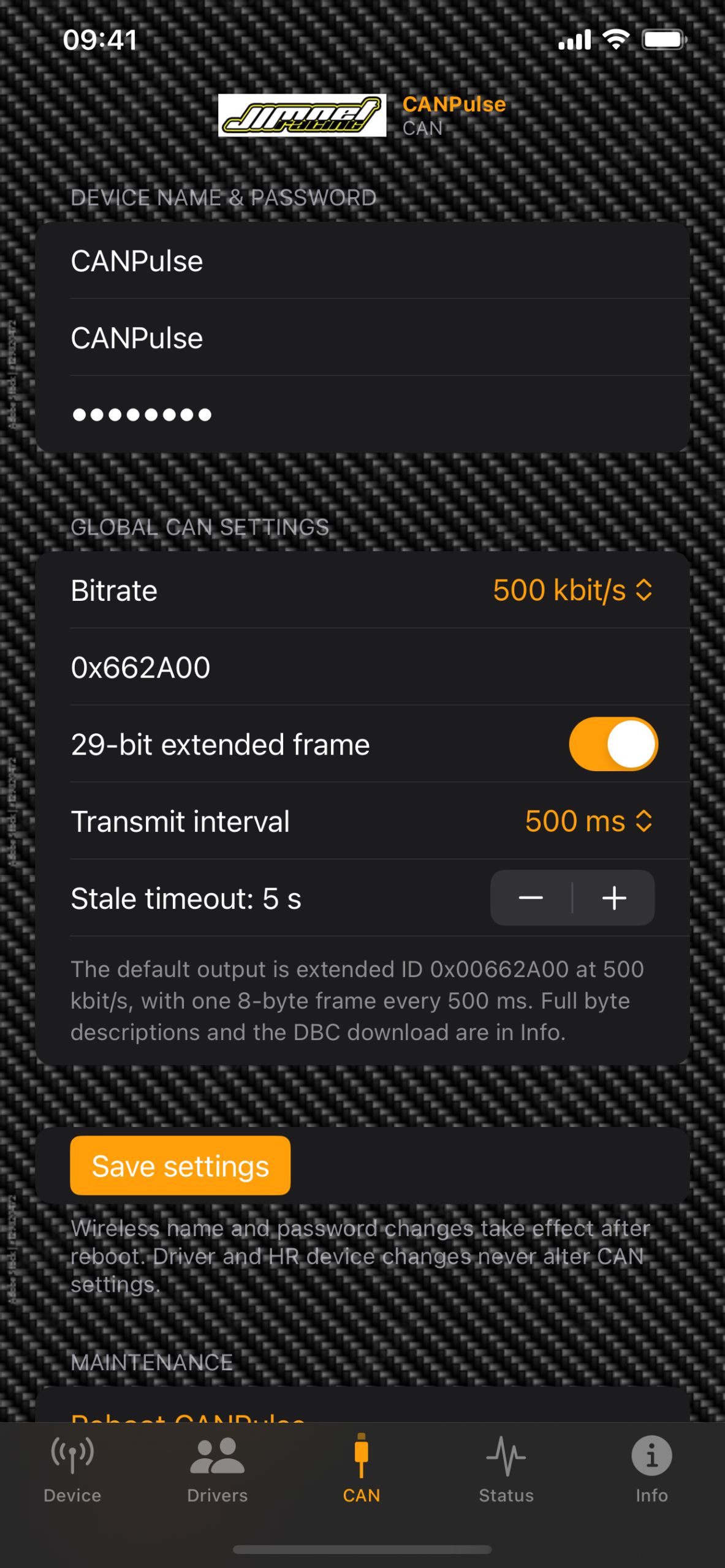
- Default identifier: 0x00662A00, 29-bit extended.
- Default bitrate: 500 kbit/s.
- Default transmit interval: 500 ms.
- Default stale timeout: 5 seconds.
- Selectable 125, 250, 500 or 1000 kbit/s bitrates.
- Selectable 100, 250, 500 or 1000 ms transmit intervals.
- Standard or extended identifiers, with validation for the selected format.
Download the CANPulse DBC Read the complete setup guide
DBC and third-party motorsport systems
The supplied DBC (CAN database) uses the widely adopted Vector CAN database format. It describes the CAN identifier, byte layout, scaling and status bits so compatible software can create the CANPulse channels without entering every signal by hand.
It can be used with third-party motorsport dashboards and data loggers that accept user-defined CAN 2.0 frames. Examples include AEM CD-series displays using DashDesign DBC import, compatible Race Technology systems using their DBC importer, and Stack logging systems equipped with the Vector DBC import option. Cosworth Toolset-based systems and other configurable CAN products can use the same published definitions, although some models require the channels to be entered manually rather than importing the file directly.
CAN and DBC capabilities vary by model, firmware, software licence and enabled options. Confirm support with the dashboard/logger manufacturer and bench-test the configuration before use.
Why log driver heart rate with vehicle data?
- One time-aligned dataset: view driver heart rate beside speed, RPM, throttle, brake pressure, steering, g-force, lap and sector channels without manually aligning a separate fitness recording.
- Find workload peaks: see where a driver’s physiological effort rises during braking zones, traffic, overtaking, long corners or difficult conditions.
- Improve coaching: compare heart-rate response with inputs and lap consistency when reviewing technique, confidence and repeatability.
- Compare drivers and stints: use the same CAN channel for every supported driver and sensor, which makes multi-driver and endurance analysis simpler.
- Review recovery: observe how quickly heart rate settles during straights, safety-car periods, cool-down laps and between demanding sections.
- Keep data local: log through the existing AEM, Stack, Cosworth, Race Technology, MoTeC, AiM, ECUMaster or other configurable CAN system without a CANPulse cloud subscription.
Heart-rate data is contextual performance information, not a medical diagnosis and not a safety-critical control input.
CAN-controlled Apple Watch sessions
CANPulse can watch selected vehicle CAN signals and request the armed Apple Watch app to start or stop its live session. Separate start and stop groups can each contain up to four rules using an identifier, byte position, signal length, endianness, mask, factor, offset, comparison and hold time.
The driver must deliberately arm CAN control on the Watch before the vehicle can start a session. The Watch vibrates on a command and reports its actual state back to CANPulse.
Private by design
- No CANPulse account, subscription or cloud service is required.
- Normal use does not require an internet connection.
- Heart rate travels locally from the selected sensor to CANPulse and onto the vehicle CAN bus.
- The Apple Watch workout is discarded when the session ends; CANPulse does not save HealthKit samples.
- The local Wi-Fi access point is time-limited and used only for configuration and maintenance.
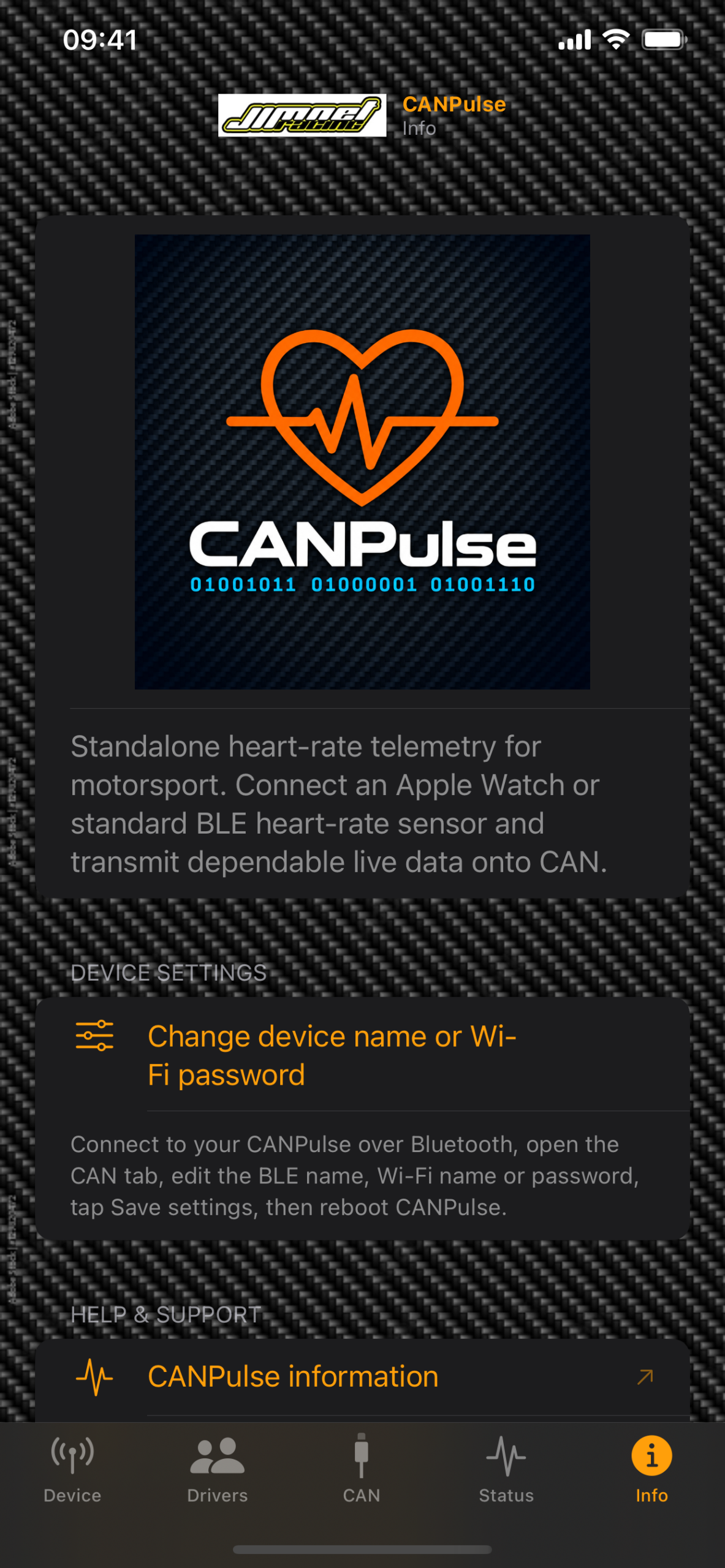
iPhone and Apple Watch apps
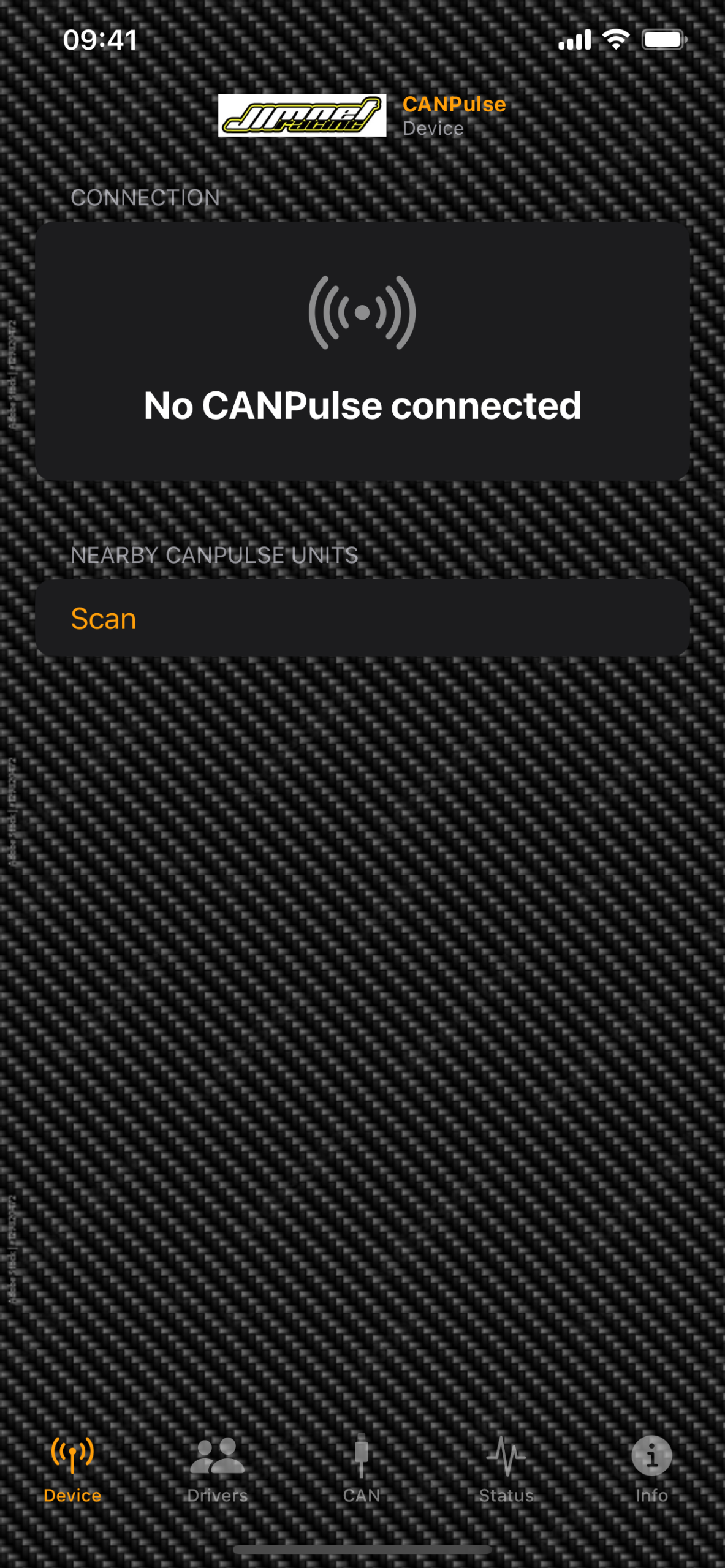
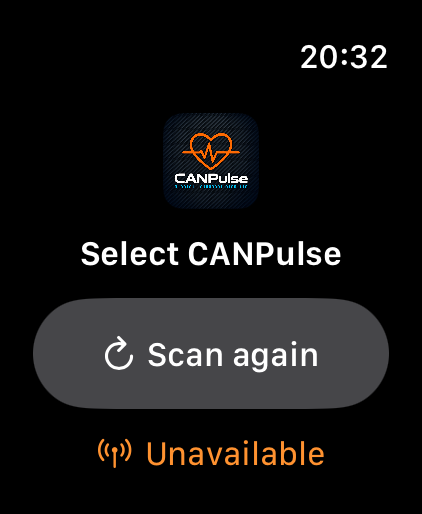
The iPhone app configures the CANPulse unit, drivers, saved sensors, CAN output, automation rules, maintenance and diagnostics. The Watch app handles permission setup, connection, live heart rate, session state and CAN-control arming.
Important use information
CANPulse is intended as motorsport performance and engineering equipment. It is not a medical device, must not be used to diagnose or treat a condition, and must never distract the driver or replace medical judgement. The vehicle CAN installation, power protection, termination, identifiers and data-logger configuration must be checked by a competent installer before use.
CANPulse setup, CAN protocol and troubleshooting
A new CANPulse Android companion app is coming shortly.